Turn important WhatsApp conversations into clear records
Find agreements, promises, payments, responsibilities, disputes, and voice notes buried across months or years of WhatsApp messages.
Why it matters
The agreement already happened. The record is buried.
Important decisions rarely live in tidy documents. They are scattered across WhatsApp messages, voice notes, dates, and side comments.
Promises scattered across messages
Find what was agreed without rereading thousands of lines or guessing which day it happened.
Voice notes nobody wants to replay
Turn key audio messages into searchable text that sits inside the same timeline as the chat.
A timeline you can actually use
See payments, deadlines, responsibilities, and disputed claims in chronological order.
Real output
What you actually receive
This is the same renderer used inside the product. Copy, download as PDF / Word / Markdown, share, or export to Notion, Trello and Google Calendar.
Marcus & You
Meeting NotesSummary
Discussion about Q1 product roadmap and resource allocation for the mobile app redesign project. Marcus proposed pushing the launch to include the payment flow, and both agreed to drop the chatbot feature.
Decisions Made
- Push launch date to March 15 to include payment flow
- Hire contractor for iOS animations
- Cancel the chatbot feature, not enough ROI
Action Items
- Marcus: Send contractor shortlist by Friday
- You: Update roadmap doc and share with team
- You: Schedule design review for next Tuesday
Open Questions
- Budget approval for contractor still pending
- Need to confirm if Android can share codebase
Notable Quote
"Let's not repeat last quarter, ship less, ship better" – Marcus
From conversation to record in 3 steps
The process stays small. The report does the heavy lifting.
Attach your WhatsApp chat
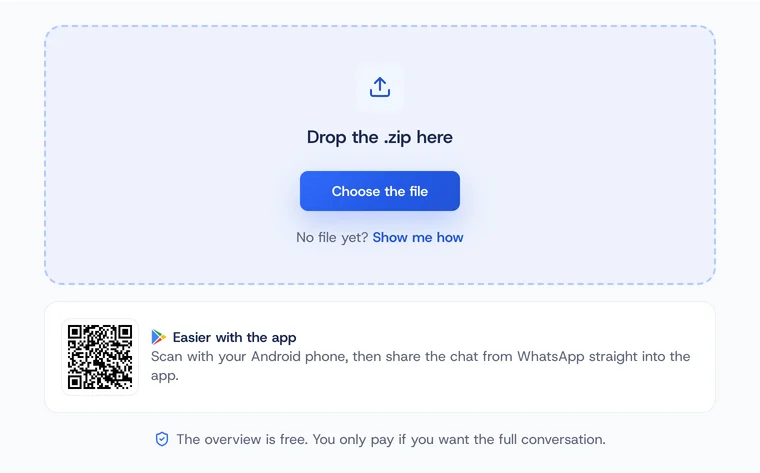
Use the standard WhatsApp export (.zip). No live connection or account access required.
Choose the report type
Pick dispute, evidence, meeting notes, recap, or voice transcription depending on what you need.
Get a structured report in seconds
Receive a timeline with decisions, quotes, responsibilities, and transcribed voice notes. Most chats process in under a minute.
Use cases
Start where the record matters most
ThreadRecap can summarize many chats, but it is strongest when a conversation needs to become a clear record.
Primary use case
WhatsApp Dispute Summary
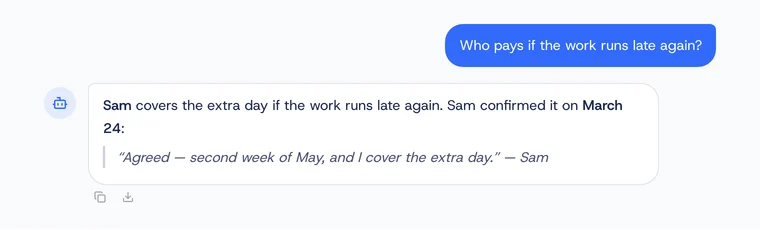
Document contested agreements, payment terms, scope changes, responsibilities, and key claims with timestamps and exact quotes.
- Payment terms denied or contested
- Scope changes or deadline disputes
- Verbal agreements that need a record
- Voice notes that contain key promises
WhatsApp Voice to Text
Transcribe every voice message in the conversation. TXT, SRT, summarized bullets, action items.
"No more replaying 3-minute voice notes to find one detail."
WhatsApp Meeting Notes
You had a chat, not a meeting — still need minutes. Get attendees, agenda, decisions, actions. Export to Notion or ask AI follow-up questions.
"Turned a messy group chat into proper meeting minutes in seconds."
ThreadRecap for Project Managers
Turn project chat threads into structured minutes: decisions, blockers, action items with owners and deadlines. Send tasks to Trello or Google Calendar.
"Every standup recap done in 30 seconds instead of 10 minutes."
WhatsApp Chat Summarizer
Turn long WhatsApp chats into a 60-second brief: decisions, dates, owners, next steps. Ask follow-up questions with AI or export results to Notion and Trello.
"Finally stopped losing track of what we agreed on."
Voice notes
Voice messages, transcribed inline
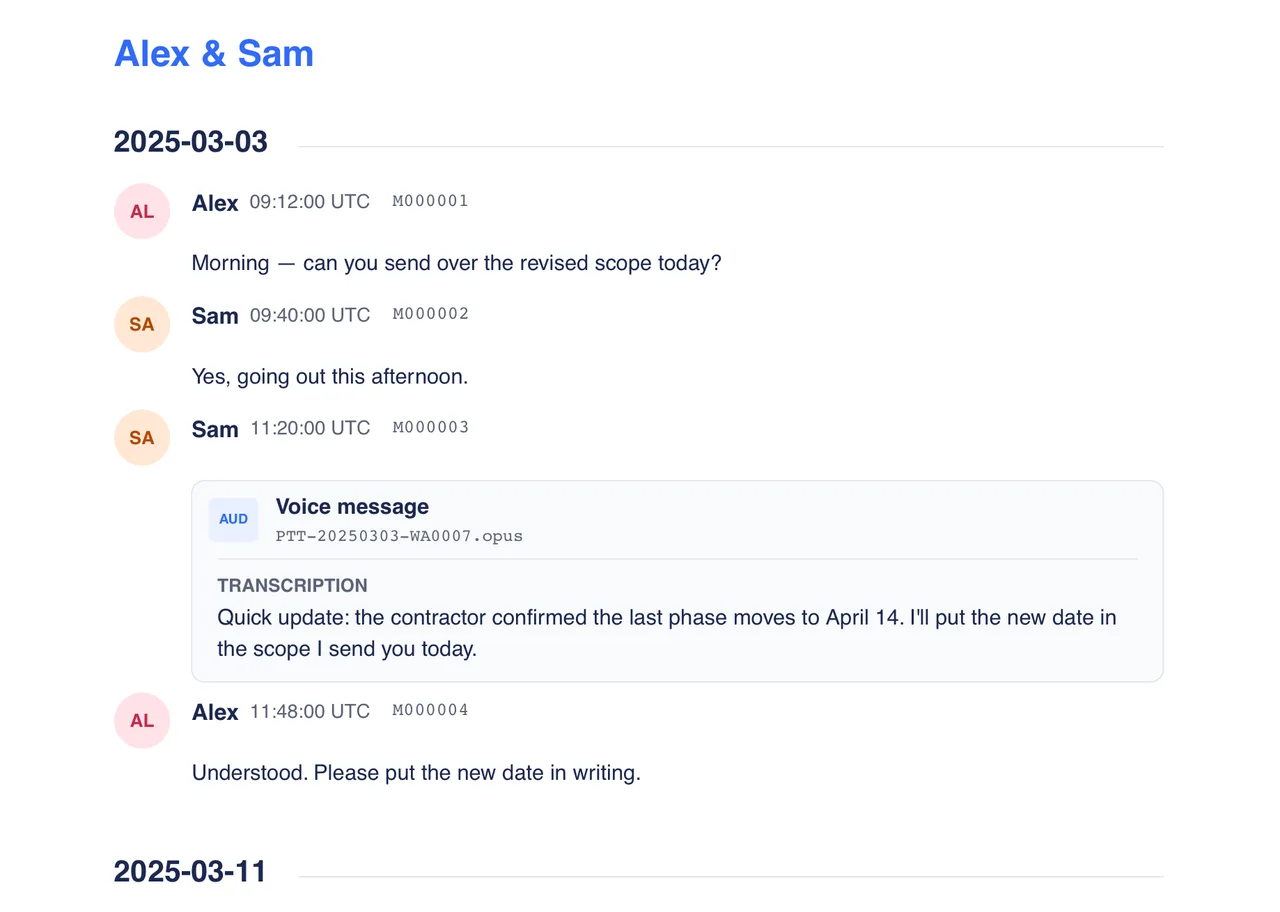
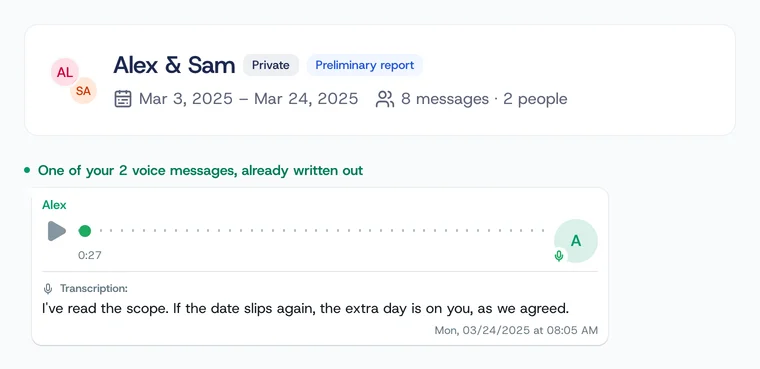
WhatsApp voice notes are transcribed and merged into the same timeline as the text — no need to replay anything to find what was said.
Transcription:
Hey, real quick about the meeting yesterday — I think we should go with the second option for the homepage. Yeah, the second one.
Transcription:
Oh, and can you send me the Figma link? I wanna show it to Sarah before our call tomorrow at three.
Transcription:
Ah, and the budget — it's approved! So we can move forward with the contractor this week, no problem.
Audio is only sent for transcription when you request it.
Privacy & trust
Private by design, clear about what is stored
Important conversations are sensitive. ThreadRecap keeps processing narrow and explains what happens to each type of data.
Browser-side extraction
Your WhatsApp .zip is unpacked in your browser before the analysis flow continues.
Photos and videos stay out
Photos and videos are not uploaded for the report workflow.
Voice notes are optional
Audio is sent only when you request transcription for selected voice notes.
Storage is limited to product use
Chat text is stored only where needed for saved reports or the interactive AI feature.
No ad or training use
Your conversations are not used for advertising or to train public models.
Delete anytime
You can remove chats, reports, and account data from your dashboard.
Used when the conversation matters
A supplier denied agreeing to our payment terms. I uploaded our WhatsApp thread, ran a dispute summary, and had a timestamped evidence report in under a minute. Case closed.
Marco T.
Business Owner
A client kept changing scope in WhatsApp. ThreadRecap pulled the timeline, approvals, and exact quotes into a report I could send back clearly.
Nina P.
Freelance Designer
I used to spend 20 minutes rereading group chats before meetings. Now I get the decisions, owners, and open questions in seconds.
Sarah M.
Product Manager
The voice message transcription alone is worth it. My team sends long audios every day and I can finally search what was said.
Lina K.
Operations Lead
Questions? Answered.
Turn the conversationinto a record.
Upload your WhatsApp chat and get a timestamped report you can read, download, and share.
Analyze your chatSign up and get 5 free credits to start.